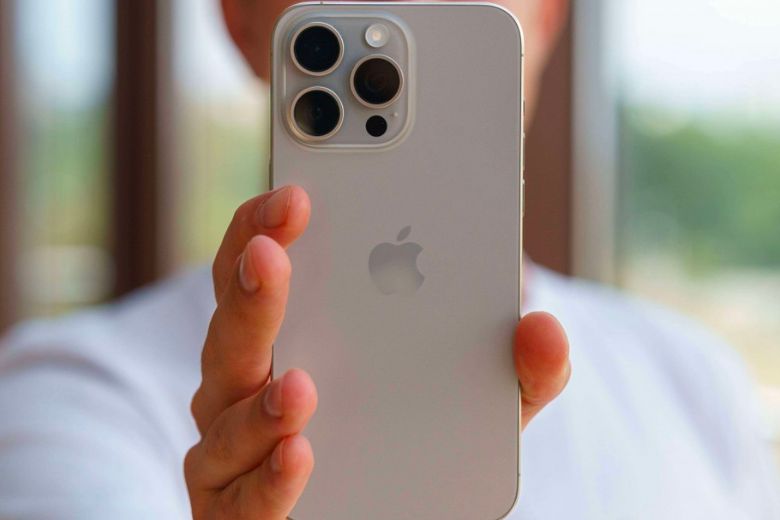
Apple’s iOS is packed with hundreds of features, but many of the best tools are buried deep inside the settings menu. Whether you have been using an iPhone for years or just switched recently, there are likely several shortcuts that you are missing out on.
To help you get the most out of your device, here are 5 incredible hidden iPhone features that you probably aren’t using yet.
1. Turn Your Keyboard into a Trackpad
Typing a long message and need to fix a typo in the middle? Instead of tapping blindly with your finger, turn your keyboard into a precise trackpad. Just press and hold the Spacebar until the letters disappear. Now, slide your finger around to move the cursor exactly where you want it.
2. Scan Documents Instantly with the Notes App
You don’t need a third-party app to scan receipts or documents. Open the built-in Notes app, create a new note, and tap the camera icon. Select “Scan Documents,” point your camera at the paper, and your iPhone will automatically capture a perfectly cropped, high-quality PDF scan.
3. Use Back Tap for Quick Shortcuts
Did you know the back of your iPhone can act as a button? Go to Settings > Accessibility > Touch > Back Tap. From here, you can set a double-tap or triple-tap on the back of your phone to take a screenshot, turn on the flashlight, or open your camera instantly.
4. Silence Unknown Callers Automatically
Tired of constant spam and telemarketing calls? You can make your iPhone automatically silence any number that isn’t in your contacts. Go to Settings > Phone, scroll down, and toggle on “Silence Unknown Callers.” The calls will go straight to voicemail without ringing.
5. Lock Your Hidden Photos Album
If you have private photos that you don’t want others to see, you can lock them away securely. Select the photos, tap the three dots, and choose “Hide.” To access them, go to Albums and scroll down to “Hidden.” iOS automatically requires Face ID or Touch ID to open this folder.
Conclusion These hidden features show just how powerful and versatile the iPhone really is. By utilizing these simple settings, you can save time, protect your privacy, and make your daily smartphone experience much smoother. Try them out today!