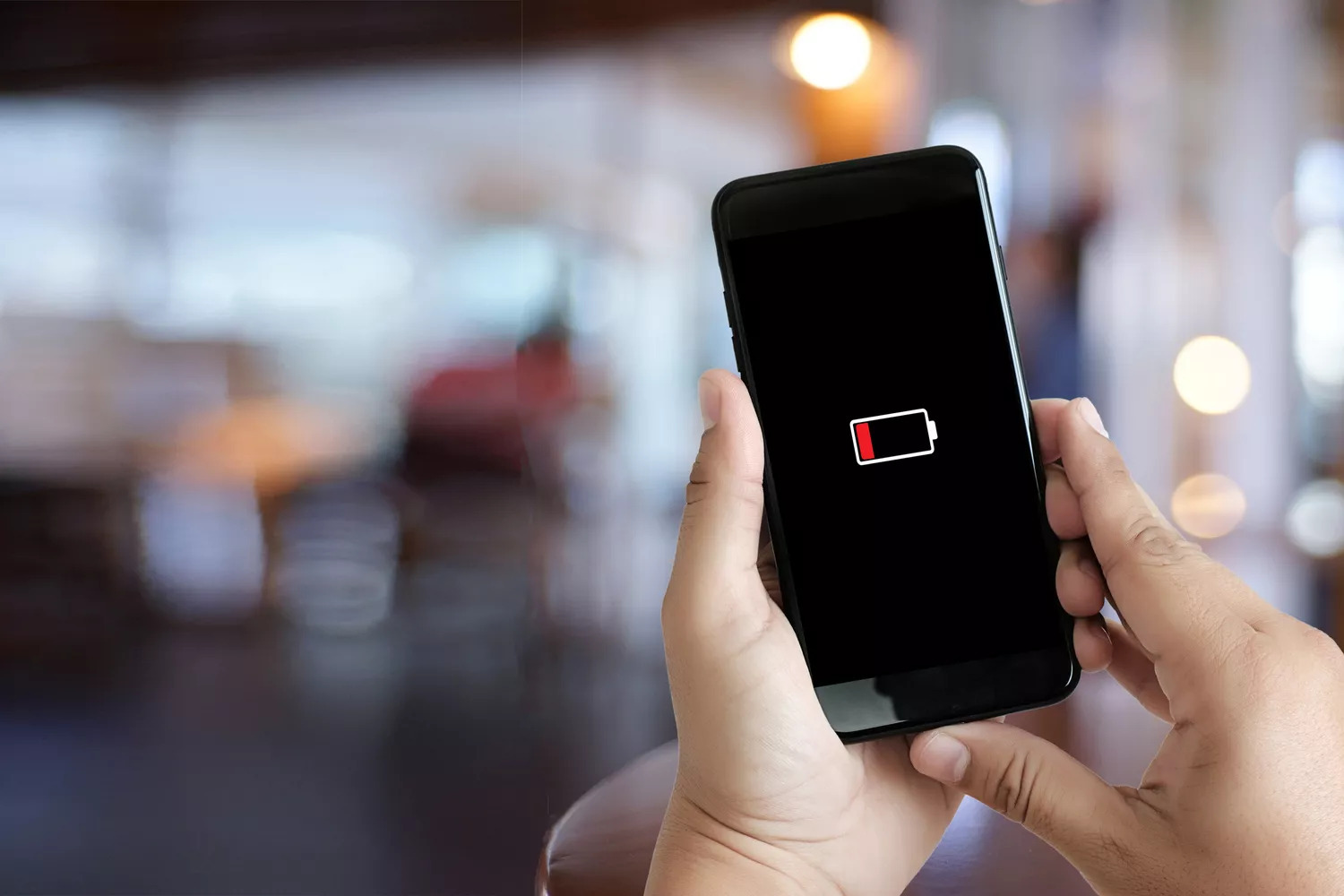
There is nothing more stressful than watching your smartphone battery drop below 10% when you are nowhere near a charger. As our phones become more powerful, their displays and processors consume a massive amount of energy.
If you find yourself constantly reaching for a power bank before the day is over, try these 5 proven ways to extend your smartphone battery life.
1. Lower Your Screen Brightness
The biggest drain on your battery is your phone’s display. Keeping your screen at maximum brightness will drain your power in a matter of hours. Swipe down on your control center and lower the brightness slider to about 50%, or enable “Auto-Brightness” in your settings so the phone can adapt to the lighting around you.
2. Turn Off Unnecessary Location Services
Apps like Google Maps and Uber need your GPS location to work properly. However, many other apps constantly track your location in the background for advertising purposes, which heavily drains your battery. Go to your privacy settings and restrict location access to “While Using the App” for most of your applications.
3. Enable Battery Saver Mode
Both iOS and Android devices feature a built-in “Low Power Mode” or “Battery Saver.” When your battery dips below 20%, turning this feature on is a lifesaver. It automatically reduces background activity, pauses email syncing, and lowers visual effects to squeeze out extra hours of usage until you can find a charger.
4. Shorten the Screen Timeout
How long does your phone screen stay on after you stop touching it? If your screen timeout is set to two or three minutes, you are wasting valuable battery life every time you put your phone down. Go to your display settings and reduce the screen timeout to 30 seconds.
5. Manage Background App Activity
You might think you closed an app, but many continue to run silently in the background, consuming processing power and battery. Check your battery settings to see which apps are the worst offenders. You can manually restrict background activity for apps that you rarely use.
Conclusion You do not need to buy a brand new phone just to get better battery life. By adjusting your screen brightness, managing your location settings, and utilizing power-saving modes, your smartphone can easily last from morning until night!