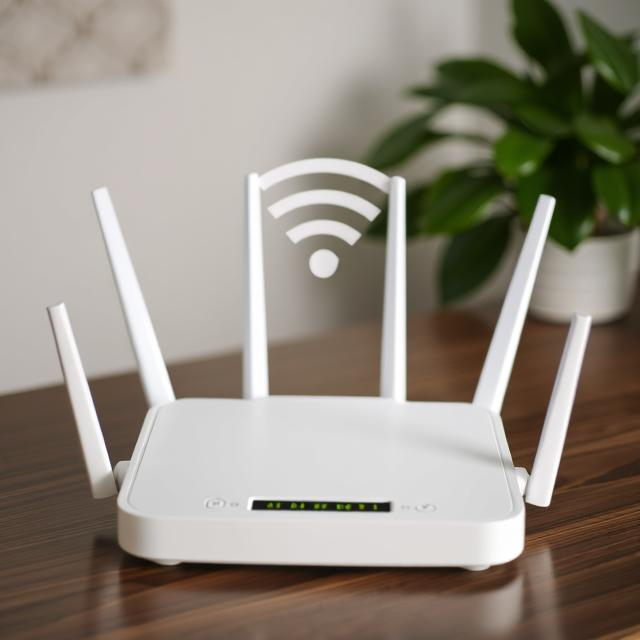
Dealing with a slow internet connection is incredibly frustrating. Whether your movie keeps buffering, your video call is freezing, or web pages are taking forever to load, poor Wi-Fi can ruin your digital experience.
Before you call your internet service provider to pay for a more expensive plan, try these 5 proven methods to boost your Wi-Fi signal and speed up your home internet instantly.
1. Restart Your Route
r It sounds like a cliché, but turning your router off and back on again is the best place to start. Routers are essentially small computers with their own memory and processors. Over time, they can get bogged down by too much data traffic. Unplug your router from the power outlet, wait for 30 seconds, and plug it back in to clear its cache and establish a fresh connection.
2. Find the Perfect Location
Where you place your router has a massive impact on your signal strength. Wi-Fi signals have trouble passing through thick concrete walls, metal objects, and water. Instead of hiding your router in a closet or under a desk, place it in a central, elevated location in your home, completely free from physical obstructions.
3. Switch to the 5GHz Band
Most modern routers are “dual-band,” meaning they broadcast two separate Wi-Fi signals: 2.4GHz and 5GHz. The 2.4GHz band reaches further but is slower and more crowded (since microwaves and Bluetooth devices also use it). If your computer or smartphone is relatively close to the router, switch your Wi-Fi connection to the 5GHz network for significantly faster speeds.
4. Disconnect Unused Devices
Every device connected to your Wi-Fi network takes up a slice of your available bandwidth. You might have old smartphones, smart TVs, tablets, or smart home devices quietly downloading updates in the background. Go through your home and disconnect any devices from the Wi-Fi that you are not actively using to free up speed for your main PC or phone.
5. Use a Wi-Fi Extender or Mesh System
If you live in a large house or an apartment with many thick walls, a single router might not be enough to cover the entire space. You can purchase a cheap Wi-Fi extender to push the signal into “dead zones.” For a more premium and seamless solution, upgrading to a Mesh Wi-Fi system will guarantee strong, high-speed coverage in every corner of your home.
Conclusion You don’t always need to spend more money to get faster internet. By repositioning your router, switching frequency bands, and managing your connected devices, you can optimize your home network and enjoy a smooth, lag-free browsing experience!