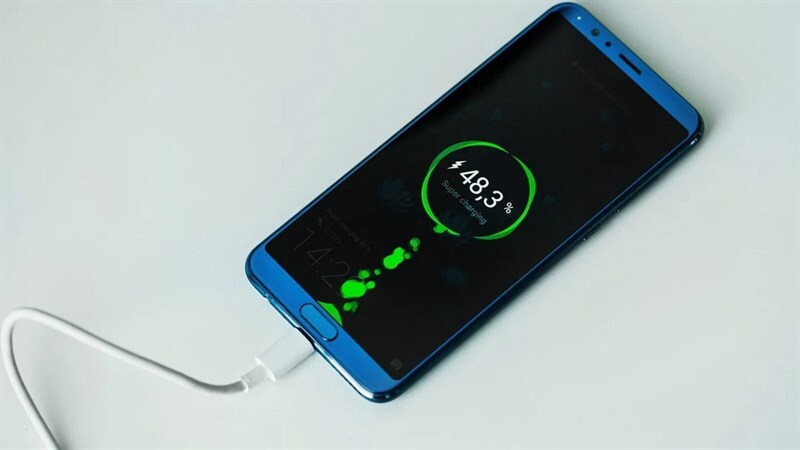
Plugging in your smartphone at the end of a long day only to realize it isn’t charging is a stressful experience. Before you panic and rush to a repair shop to buy a new battery, the problem might be much simpler than you think.
Here are 5 quick troubleshooting steps to fix a smartphone that refuses to charge.
1. Inspect Your Charging Cable and Adapter
The most common cause of charging issues is a faulty cable or power adapter. Charging cables endure a lot of bending and twisting, causing the internal wires to break. Try using a different USB cable and a different charging brick to see if the phone starts receiving power.
2. Clean Out the Charging Port
Since we constantly carry our phones in our pockets or bags, the charging port easily collects lint, dust, and dirt. When this debris builds up, it prevents the charging cable from making a proper connection. Turn off your phone and gently use a wooden toothpick to scrape out any dirt inside the port.
3. Force Restart Your Device
Sometimes, the hardware is perfectly fine, but a software glitch is preventing the phone from recognizing the charger. A simple force restart can clear these temporary bugs. The method varies by model, but usually involves holding down the Power button and the Volume Down button simultaneously for 10 to 15 seconds.
4. Try a Different Power Source
It might not be your phone or your charger at all; the wall outlet could be dead. Try plugging your charger into a different wall socket in another room. If you are charging your phone through a laptop’s USB port, the computer might not be outputting enough power, so switch to a direct wall plug instead.
5. Check for Moisture Warnings
Modern smartphones, especially newer iPhones and Samsung Galaxy devices, have built-in moisture detection sensors. If the phone detects water inside the charging port, it will automatically disable charging to prevent a short circuit. If you see a water drop icon on your screen, let the phone dry completely in a well-ventilated area before trying again.
Conclusion A phone that won’t charge isn’t always a death sentence for your device. By checking your accessories, cleaning the port, and doing a quick restart, you can usually solve the problem right at home!